How 3D Printing Works: Design to Delivery
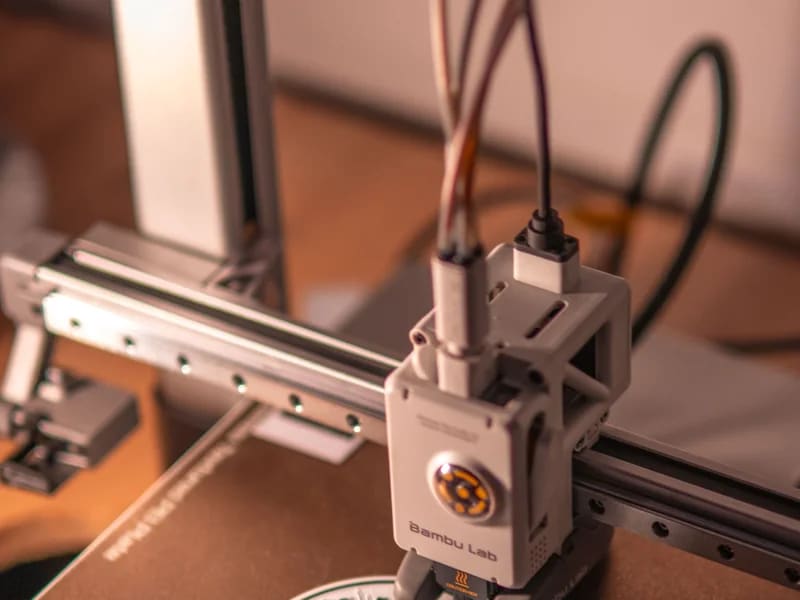
3D printing builds an object layer by layer from a digital design. Dexterly offers made-to-order printed pieces alongside ready-to-gift finds. Check the product page to see which process applies to the item you choose.
From idea to printed piece
- A digital model describes the shape of the object.
- Printing software divides the design into layers and prepares instructions for the printer.
- The printer builds those layers into a physical object.
- Finishing and packing depend on the product and the agreed customisation.
How layer height and orientation affect the finish
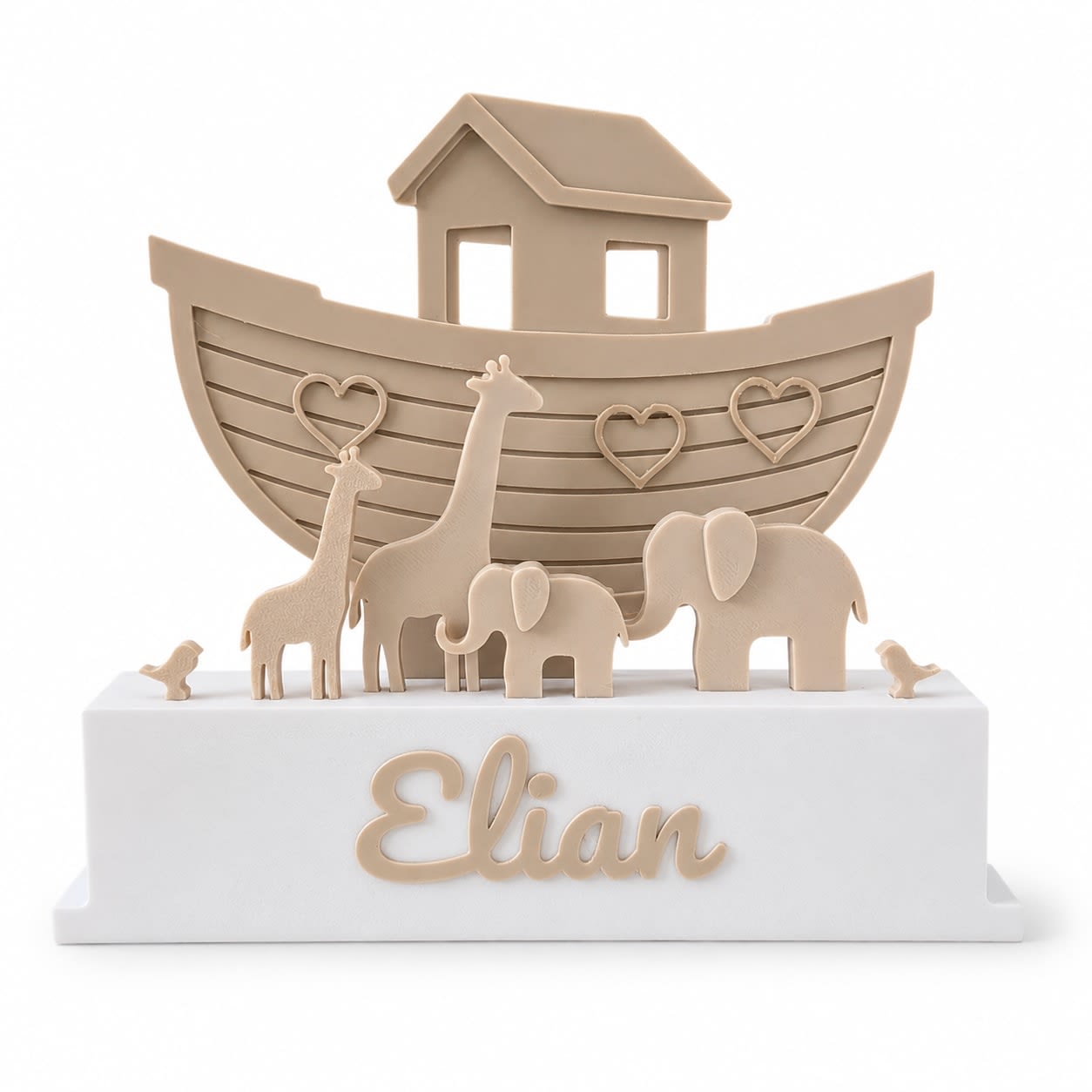
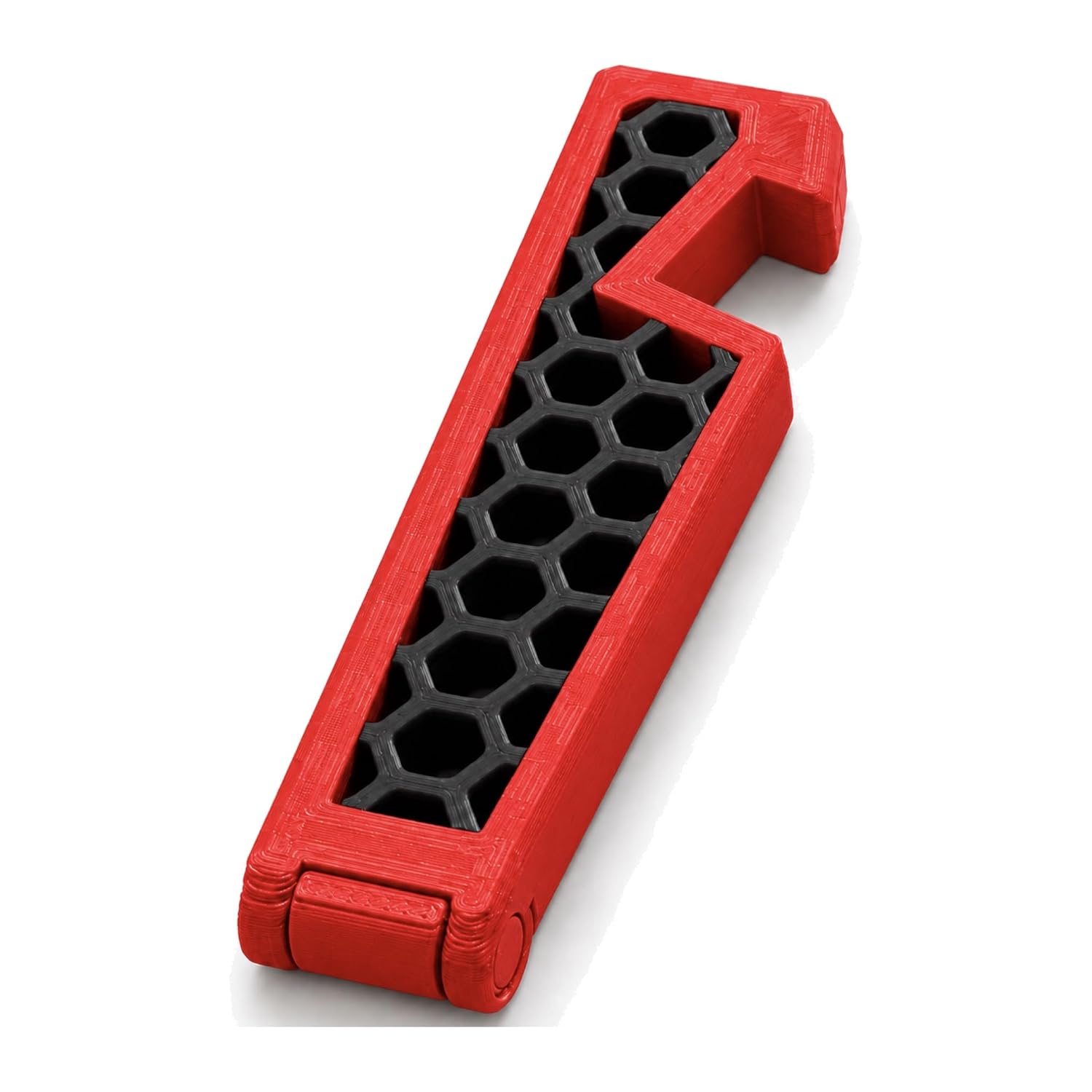
A designer typically starts with the dimensions that matter in use. On a phone stand, that might be the gap around a charging plug or the width needed for a case. On a nameplate, it could be the depth of the lettering and the footprint of the base. The same design may need different clearances at different sizes, so give the maker the real measurements when requesting a fit.
Layer height affects how visible the steps look on curved surfaces. Smaller steps often look smoother but add printing time. Orientation changes which faces show those steps, which features need temporary supports and which directions are strongest. A face that looks clean in a rendering can have visible support marks if its position requires the printer to build it over empty space. Ask which face will be most visible on the finished piece when finish matters.
What to look for in a design preview
A preview gives you a chance to check the text and overall arrangement before production. Read the inscription aloud, confirm any dates and look at the longest name at the proposed size. If you are ordering matching pieces, confirm which name or colour belongs to which item. For objects with a functional fit, also check the width, depth and any cut-outs in writing. Colours on a screen can look different under indoor light, so confirm the available finish with the maker if you are matching existing decor.
Before placing a custom order
- Check the product's material, dimensions, available colours and production estimate.
- Review spelling, names and dates carefully before submitting personalisation details.
- For a custom request, confirm the quote and any design preview provided before approving production.
- If you need a particular material, finish or delivery date, ask support to confirm it for your request.
Where to confirm your order details
Read the custom and personalised product terms for preview approvals, production and return restrictions. Send your dimensions, spelling and required date through Dexterly support if the product page does not answer your question.
Material properties and production settings vary. Use the specifications for your actual product rather than assuming every printed piece has the same temperature tolerance, durability or finish.
About the Author
Team Dexterly runs the 3D printing workshop in Agra that designs, prints and packs Dexterly's made-to-order keepsakes, desk accessories and custom pieces, with direct WhatsApp support.
Learn more about our Agra workshop & team →